



متن انگلیسی
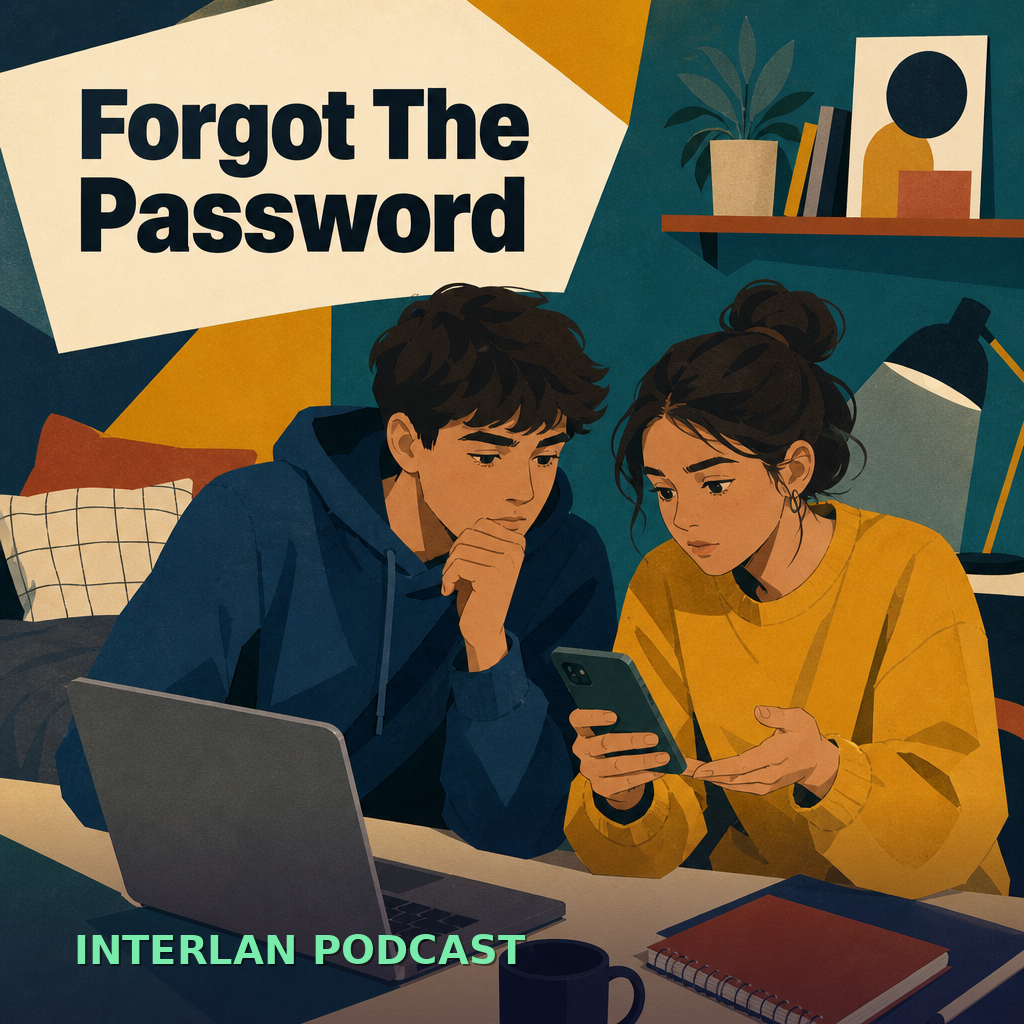
Mia: Hey, is everyone ready for the study session? I tried to open the meeting room, but it’s asking for a password, and I can’t find it in the chat. Did someone save the link?
Arman: I’m checking now. The chat is moving fast, so I might have missed it. Could you mean the old link from yesterday, or a new invite for today? I want to confirm before I guess.
Mia: Good question. I mean the link for today. If we use the wrong one, nobody gets in, and then we waste time. I’m scrolling up, but the message thread is huge.
Arman: Same here. I found a message that says, use the temporary password, but the password itself is missing. That’s not very helpful. Maybe one of us should ask for clarification instead of waiting.
Mia: Yes, that’s better. I can message the group politely: Could someone please confirm the login details? We need the password or a fresh invite. That sounds clear, and it doesn’t sound panicked.
Arman: Perfect. While you do that, I’ll troubleshoot the problem. Maybe the platform updated, or maybe the link expired. If the room still doesn’t open, we should switch to a backup plan.
Mia: I like that. A backup plan could be a different platform or a temporary call link. If the first room fails, everyone can move quickly instead of waiting around and getting frustrated.
Arman: The others just replied. One friend says the password was changed after lunch. Another says the new invite is in the pinned message, but it was easy to miss. I’m confirming it now.
Mia: Great. I found it too. So the plan is: open the new link, use the updated password, and if anyone still has trouble, we share the backup link in the chat.
Arman: Exactly. We solved it without drama. Next time, we should ask someone to post the access details in one message only. That way, everyone can find them faster and avoid the same problem.
Mia: Agreed. Clear messages save time. And if something is missing, we can ask, confirm, and adapt. Okay, I’m in now. See you in the session, and thanks for helping me troubleshoot it.
ترجمه فارسی
Mia: هی، همه برای جلسه مطالعه آمادهاید؟ من سعی کردم اتاق جلسه را باز کنم، اما ازم رمز عبور میخواهد و من نتوانستم آن را در چت پیدا کنم. کسی لینک را ذخیره کرده؟
Arman: الان دارم بررسی میکنم. چت خیلی سریع پیش میرود، پس ممکن است از دستم دررفته باشد. منظورت همان لینک قدیمیِ دیروز است یا یک دعوتنامه جدید برای امروز؟ میخواهم قبل از حدس زدن مطمئن شوم.
Mia: سؤال خوبی است. منظورم لینکِ امروز است. اگر از لینک اشتباه استفاده کنیم، هیچکس نمیتواند وارد شود و بعد وقتمان هدر میرود. دارم به بالا اسکرول میکنم، اما رشته پیامها خیلی طولانی است.
Arman: برای من هم همینطور. یک پیام پیدا کردم که میگوید از رمز عبور موقت استفاده کنید، اما خودِ رمز در آن نیست. خیلی به درد نمیخورد. شاید یکی از ما باید بهجای منتظر ماندن، درخواست توضیح بیشتر بدهد.
Mia: بله، این بهتر است. من میتوانم مؤدبانه به گروه پیام بدهم: ممکن است لطفاً جزئیات ورود را تأیید کنید؟ ما به رمز عبور یا یک دعوتنامه تازه نیاز داریم. این واضح به نظر میرسد و مضطرب هم به نظر نمیرسد.
Arman: عالیه. وقتی تو این کار را انجام دادی، من مشکل را بررسی میکنم. شاید پلتفرم بهروزرسانی شده باشد، یا شاید لینک منقضی شده باشد. اگر اتاق هنوز باز نشود، باید به یک برنامه جایگزین برویم.
Mia: این را دوست دارم. یک برنامه جایگزین میتواند یک پلتفرم دیگر یا یک لینک تماس موقت باشد. اگر اتاق اول کار نکند، همه میتوانند سریع جابهجا شوند، بهجای اینکه منتظر بمانند و کلافه شوند.
Arman: بقیه همین الان جواب دادند. یکی از دوستان میگوید رمز عبور بعد از ناهار عوض شده. یکی دیگر میگوید دعوتنامه جدید در پیام سنجاقشده است، اما بهراحتی میشد آن را ندید. الان دارم آن را تأیید میکنم.
Mia: عالیه. من هم پیدایش کردم. پس برنامه این است: لینک جدید را باز کنید، از رمز عبور بهروزشده استفاده کنید، و اگر کسی هنوز مشکل داشت، لینک جایگزین را در چت به اشتراک میگذاریم.
Arman: دقیقاً. بدون دردسر مشکل را حل کردیم. دفعه بعد باید از کسی بخواهیم جزئیات دسترسی را فقط در یک پیام بگذارد. اینطوری همه میتوانند سریعتر پیدایش کنند و از همان مشکل دوباره جلوگیری شود.
Mia: موافقم. پیامهای واضح وقت را ذخیره میکنند. و اگر چیزی کم باشد، میتوانیم بپرسیم، تأیید کنیم و خودمان را وفق بدهیم. خب، من الان وارد شدم. شما را در جلسه میبینم، و ممنون که کمک کردی مشکل را برطرف کنم.
واژگان کلیدی
- password — رمز عبور
I forgot the password. - login — ورود به حساب / لاگین
Check your login details. - link — لینک
Please send the link again. - access — دسترسی
We need access to the room. - backup plan — برنامه جایگزین
Our backup plan is a phone call. - troubleshoot — عیبیابی کردن
Let’s troubleshoot the issue. - clarify — شفافسازی کردن / توضیح روشن خواستن
Can you clarify the time? - confirm — تأیید کردن
Please confirm the details. - temporary — موقت
Use a temporary link. - platform — پلتفرم
This platform works well for meetings. - invite — دعوتنامه / لینک دعوت
I got the invite by message. - reset — بازنشانی کردن
You may need to reset the password.
نکات زبانی
- برای درخواست مؤدبانه از could you یا can you استفاده میکنیم: Could you please confirm the login details?
- برای توضیح دادن مشکل به شکل آرام، زمان حال ساده و حال استمراری طبیعی هستند: I’m checking now. It asks for a password.
- برای پیشنهاد راهحل، should، might و if در جملههای شرطی مفیدند: If the room fails, we should use a backup link.